Other Inputs
Drums On/Off
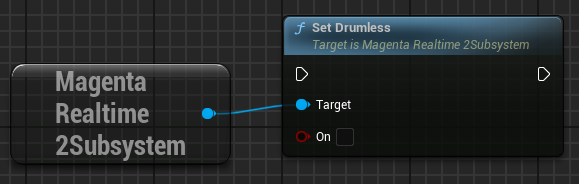
Whether to include drums in the generated audio.
- False: Allows drums to be included in the generated audio.
- True: Instructs the model not to include drums in the generated audio.
Conditioning Strength (CFG) for Each Input
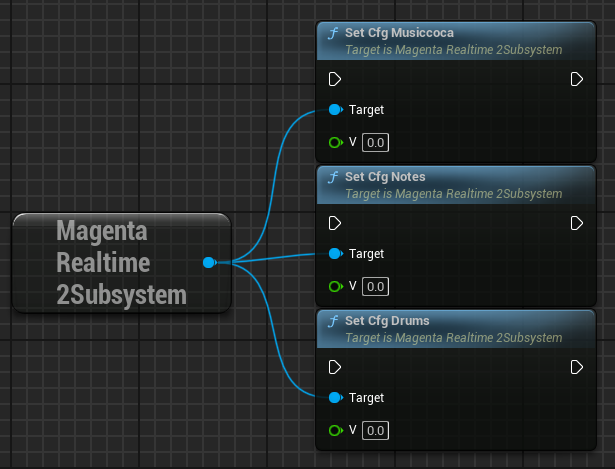
- CFG Musiccoca: Controls how strongly the model follows your text/audio prompts (-1 to 7). Default is 3. Higher values stick closely to the prompt but may reduce audio quality, while lower values prioritize musicality over strict accuracy.
- CFG Notes: Controls how strongly the model adheres to your input notes (-1 to 7). Default is 5. Higher values force strict compliance, while lower values allow the model more creative drift.
- CFG Drums: Controls how strongly the model follows drums inclusion/exclusion (-1 to 7). Default is 1.
Adjusting Randomness
Magenta Realtime 2 generates audio by predicting tokens for the next frame.
Random noise is added to the probabilities of the top-K highest-probability candidate tokens for the next frame, and the token with the highest probability is selected.
The intensity of this random noise is called Temperature.
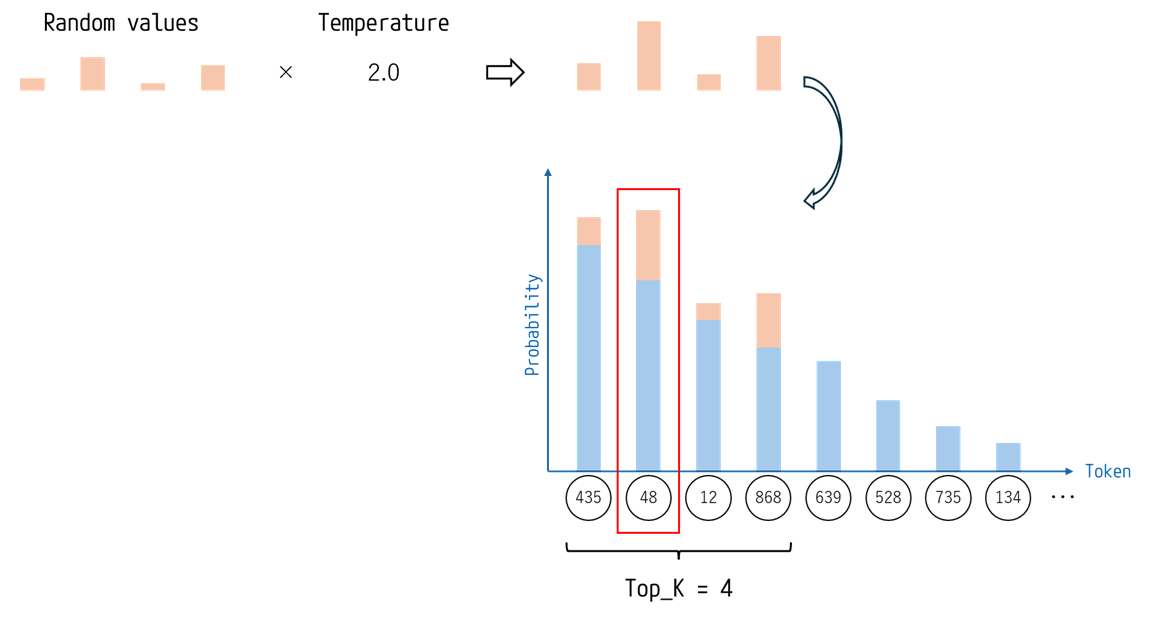
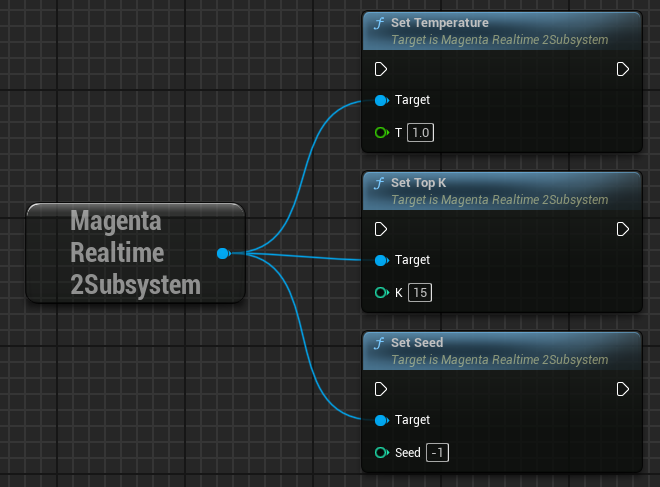
In this plugin, you can adjust the randomness of the generated audio using the following three parameters:
- Temperature: Noise scale. Larger values result in more random outputs. A value of 0 results in deterministic generation without randomness.
- Top K: The number of top candidate tokens to sample the next token from. Larger values increase randomness. A value of 1 results in deterministic generation.
- Seed: Noise seed. Changing the seed yields different generation variations. A value of -1 makes the seed itself random.